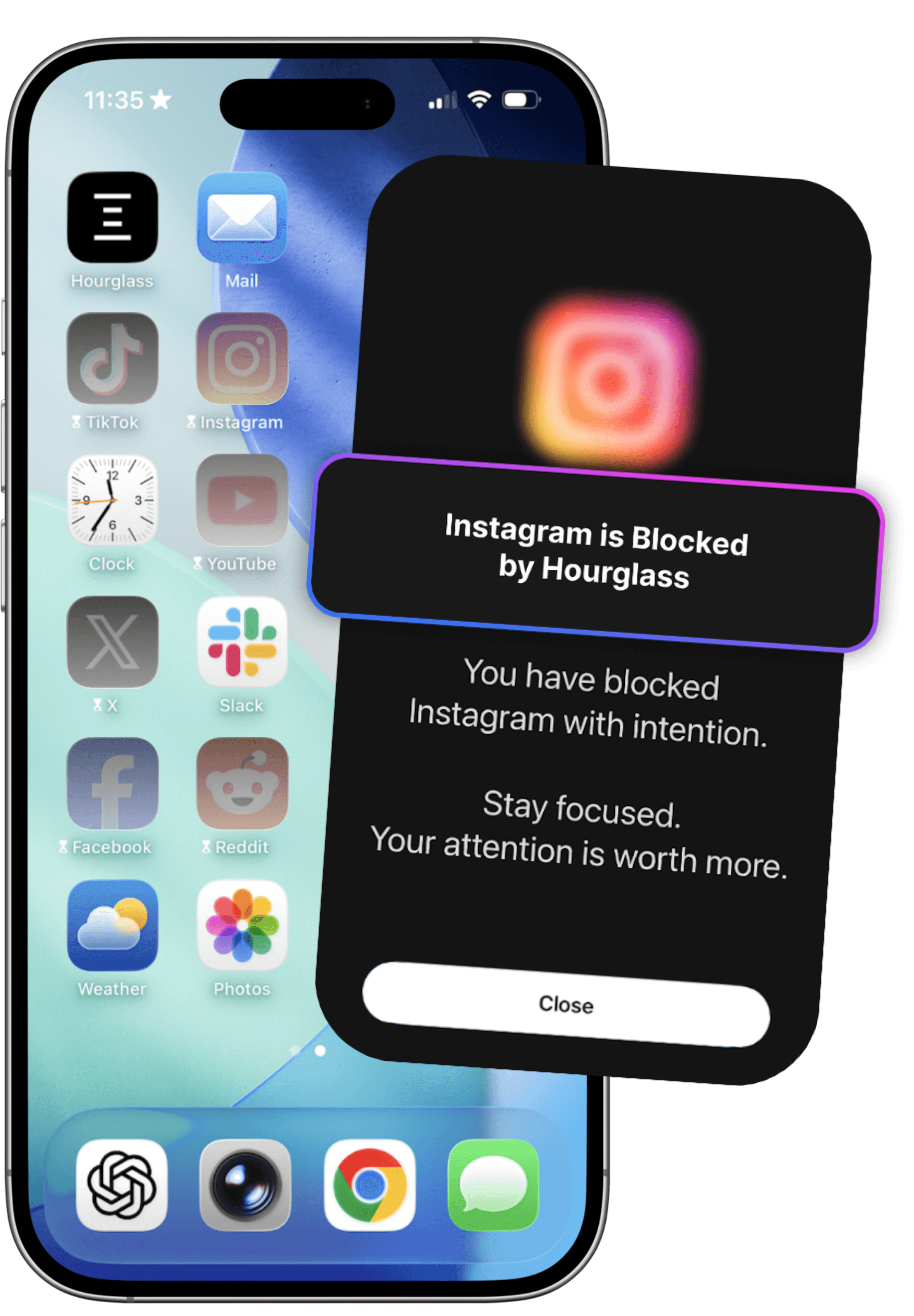
Reclaim your focus.

Build better screen time habits with intentional boundaries.

Download on the App Store
Hourglass focus session on iPhone

Scroll less. Live more.

Instead of scrolling...

Walking outside mindfully
Reading a book instead of scrolling
Working out and moving your body
Meditating and breathing
Journaling reflections
Connecting with people in real life

Designed for intentional focus

Tools that help you set boundaries and stay in control.

Understand Your Screen Habits

Understand where your time actually goes. Hourglass turns your screen habits into clear, meaningful insights — so you can spot patterns, recognise triggers, and make informed changes that last.

Insights dashboard illustration

Block distractions

Remove distractions at the source. Block selected apps and their notifications, so you’re not constantly pulled away by pings, badges, and endless temptation.

Blocked distractions illustration

Protect your time with schedules

Build focus into your day. Schedule intentional sessions that automatically protect your time — whether it’s deep work, winding down, or sleep.

Scheduled focus sessions illustration

Enter deep focus with Monk Mode

No pauses. No overrides. Monk Mode enforces complete blocking so your attention stays exactly where you intended.

Monk mode illustration

Frequently Asked Questions

What is Hourglass?+

Hourglass is a digital-wellbeing app designed to help you take control of your phone use. It blocks distracting apps, creates focused sessions, tracks your habits, and helps you build a healthier relationship with your screen—so you can stay present and focus on what truly matters.

How does Hourglass protect my privacy?+

Hourglass uses Apple's Screen Time API for monitoring and blocking. All processing happens entirely on your device—no app activity or browsing data ever leaves your phone. We take privacy seriously and do not collect or store your personal usage data.

Why is my estimated screen time inaccurate?+

Screen time data comes directly from Apple's Screen Time system, which can occasionally have delays or gaps.

What devices and iOS versions does Hourglass support?+

Hourglass requires iOS 17.0 or later and is compatible with all modern iPhone models. It's fully optimized to work seamlessly with Apple's Screen Time API.

Which apps can Hourglass block?+

Hourglass can block any app on your device. You can create custom sessions, schedules, and rules for specific apps—or even block entire app categories to reduce temptation and stay focused.

How do I report a bug or request a feature?+

You can report bugs or request new features by emailing hourglasslabs@outlook.com. We actively review all feedback and continuously improve the app based on user input.

Why do I need a screen time app?+

Most people don't realize they spend 5-10 hours a day on their phones. A screen time app like Hourglass helps you understand your digital habits, stay aware of your usage, and take control of unhealthy patterns. Hourglass helps you reclaim time, boost your focus, and improve your overall well-being.

Does Hourglass work for social media addiction?+

Yes. Hourglass is highly effective for reducing social media addiction. You can block apps like TikTok, Instagram, Twitter/X, and Facebook, helping you break the dopamine-driven scroll cycle and build healthier habits.

Why aren't my selected apps blocked?+

If a scheduled session is running but your selected apps aren't blocked, the schedule may need to be refreshed. Stop the current session, then go to Edit -> Update to reset the schedule. Once updated, app blocking should work as expected.

What is Monk Mode?+

Monk Mode blocks selected apps and their notifications completely for the duration of a session. Once activated, there are no pauses or quick exits — helping you follow through on your intention without relying on willpower.

Your time is your most valuable asset.

Start protecting it — one focused session at a time.

Download on the App Store